
Public Changelog vs In-App Changelog: Which Does Your SaaS Need?
Compare a public changelog page and an in-app widget by audience, sharing, workflow, and feedback. Use a practical table and a worked SaaS example.
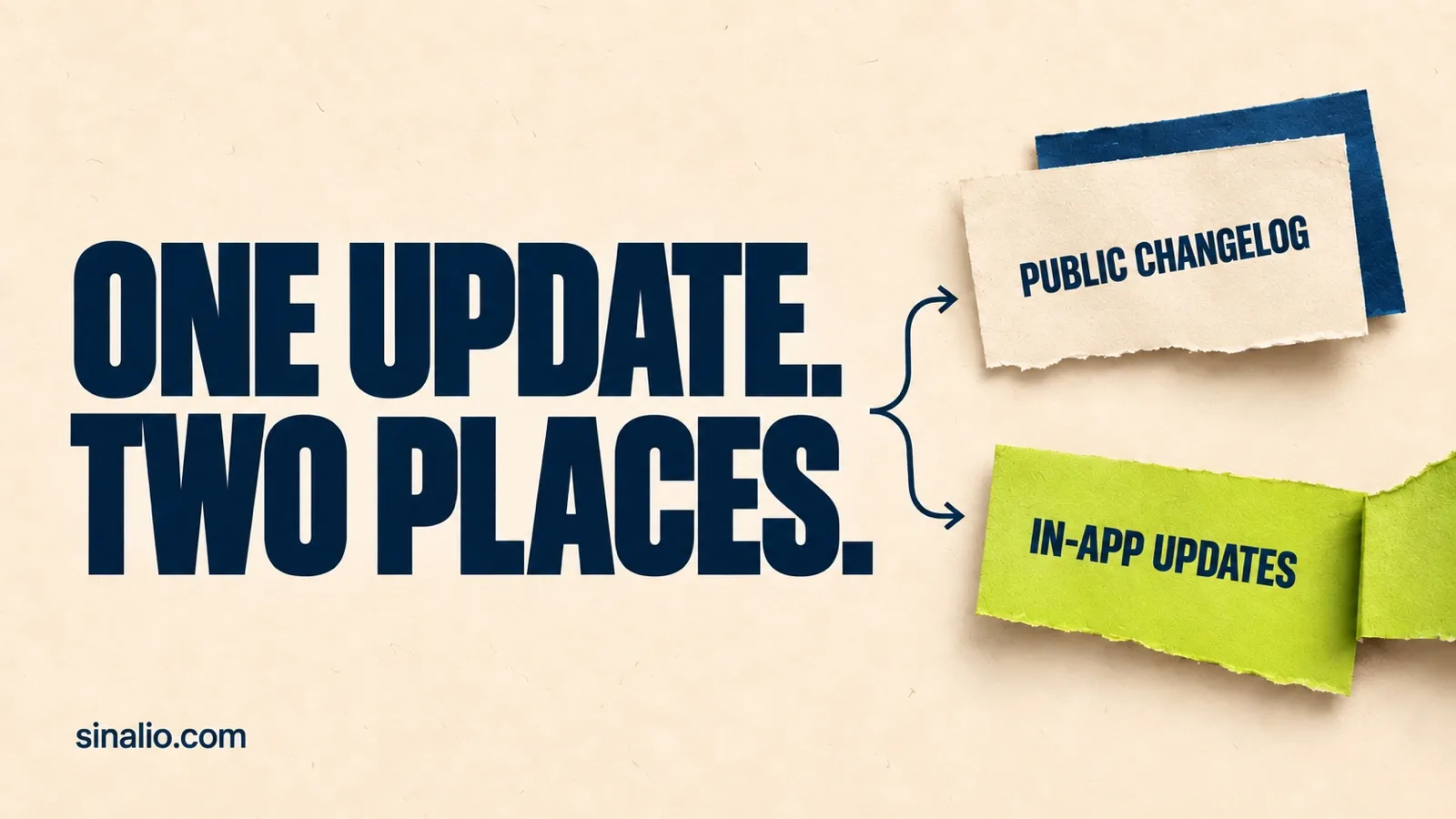
Your product changed. Do your users know?
A prospect evaluating your SaaS needs an explanation they can open and share. A customer already working in the product needs a clear path from the update to their next action.
A public changelog and an in-app widget serve these different moments. Here is how to choose your setup.
The short answer
- Public changelog page: give updates a destination people can open outside your app.
- In-app changelog widget: let current users read updates near their work.
- Both: serve both audiences, keeping availability, permissions, and instructions consistent.
Start with the audience that needs the explanation today. Add another channel when it solves a missing job.

Public page or in-app widget?
Swipe the table to see other products.
| Criterion | Standalone public changelog page | In-app changelog widget |
|---|---|---|
| Share an update outside an authenticated app | YesA public entry can provide a shareable destination.Source | Specific conditionA widget in a private app needs a public destination for this audience.Source |
| Read while continuing an in-app task | Specific conditionOpening a separate page adds a navigation step.Source | Specific conditionA panel can keep the current task visible and available.Source |
| Help a prospect inspect a change | YesThe prospect can read a public entry without access to your app.Source | Specific conditionA public demo or access to the app is needed.Source |
| Gather a response near the place of use | Specific conditionRequires a feedback route from the page.Source | Specific conditionRequires feedback functionality in the widget; confirm what context it sends.Source |
One feature, two versions of the announcement
Illustrative example: a fictional reporting SaaS releases CSV export. This is not a Sinalio feature announcement.
The feature is available to workspace administrators on a Reporting plan. They must enable Exports in settings.
Public changelog entry
Export filtered transactions as CSV
Reporting-plan administrators can now export their filtered transaction list. Enable Exports in workspace settings, open Transactions, choose your filters, and select Export CSV.
The file contains only rows your permissions allow you to view. Available in Production for eligible workspaces.
This version gives a prospect or support contact enough information to understand the change.
In-app summary
Your filtered transactions can now become a CSV
Reporting-plan administrators: enable Exports in settings, then export from Transactions.
Next action: Open Transactions.
The shorter version helps an eligible person act. Preserve access conditions and make the full explanation easy to find.
Start manually, then decide what to maintain
You can begin with a public updates page and a What's new link in your app navigation. Our manual SaaS changelog guide covers the implementation.
Try one meaningful update. Open the public destination without a SaaS session, then follow the in-app path on desktop and mobile.
When maintaining an embedded panel, feedback, separate test environments, or several editors becomes repeated work, evaluate a dedicated tool against those tasks.
Where Sinalio fits
Sinalio brings product updates and feedback into the same widget, alongside a public updates page. Manage them through the web dashboard or authorized MCP access.
That combination suits a small SaaS team that wants a shareable explanation and an in-app entry point in one workflow. Feedback can include page and environment context; an external user reference depends on what your host application supplies.
Test the whole route: publish a ready update, find it as a user, follow its next step, and submit realistic feedback. Your team reviews the response and decides what happens next. See how to collect SaaS feedback without losing context.
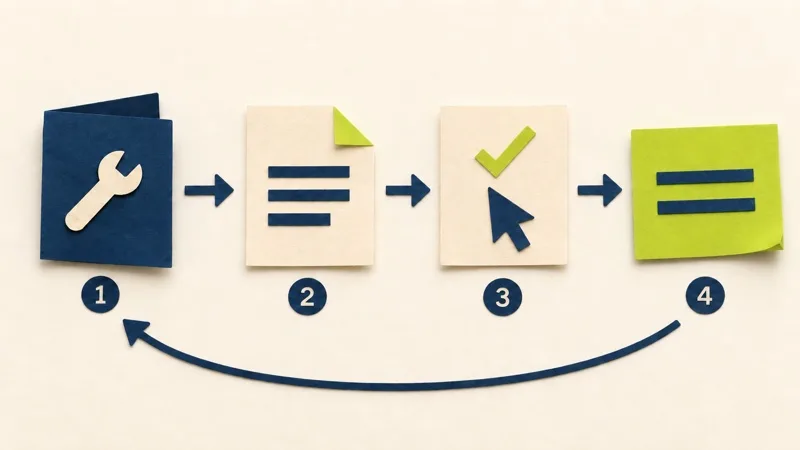
A five-minute evaluation checklist
- Audience: can a prospect open the public destination without signing in?
- Access: does the entry explain plan, permission, setting, and rollout conditions?
- Usability: can users open and close the widget on a small screen and with a keyboard? For modal panels, check W3C dialog guidance.
- Privacy: what data leaves your app with feedback?
- Maintenance: can you correct an update and verify both surfaces? Does the host app still work when the widget request fails?
Use answers from your own trial. A feature list cannot show how the setup behaves inside your SaaS.
Frequently asked questions
Do I need both surfaces?
Use both when you need an outside-the-app reference and an in-app reading path. A widget in a private app does not give prospects a public destination on its own.
Does a public changelog automatically improve SEO?
No. Check crawl access, indexability, and useful visible content. A public URL does not prove indexing or ranking. Google's content guidance prioritizes usefulness to the intended audience.
Does a widget guarantee feature adoption?
No. An opened panel shows that someone opened it; feature use needs its own evidence.
Make the next update easy to find
Start with the audience, give the explanation a dependable destination, and keep the next action clear.
For updates and feedback together, review Sinalio's current plans. Account creation is free; a new workspace requires a plan and card in Stripe Checkout. The 14-day trial starts after confirmation. Cancel before it ends to avoid the first charge.