
How to Collect User Feedback in Your SaaS Without Losing Context
A practical process for collecting in-app feedback, preserving context, distinguishing identity, and closing the loop responsibly.
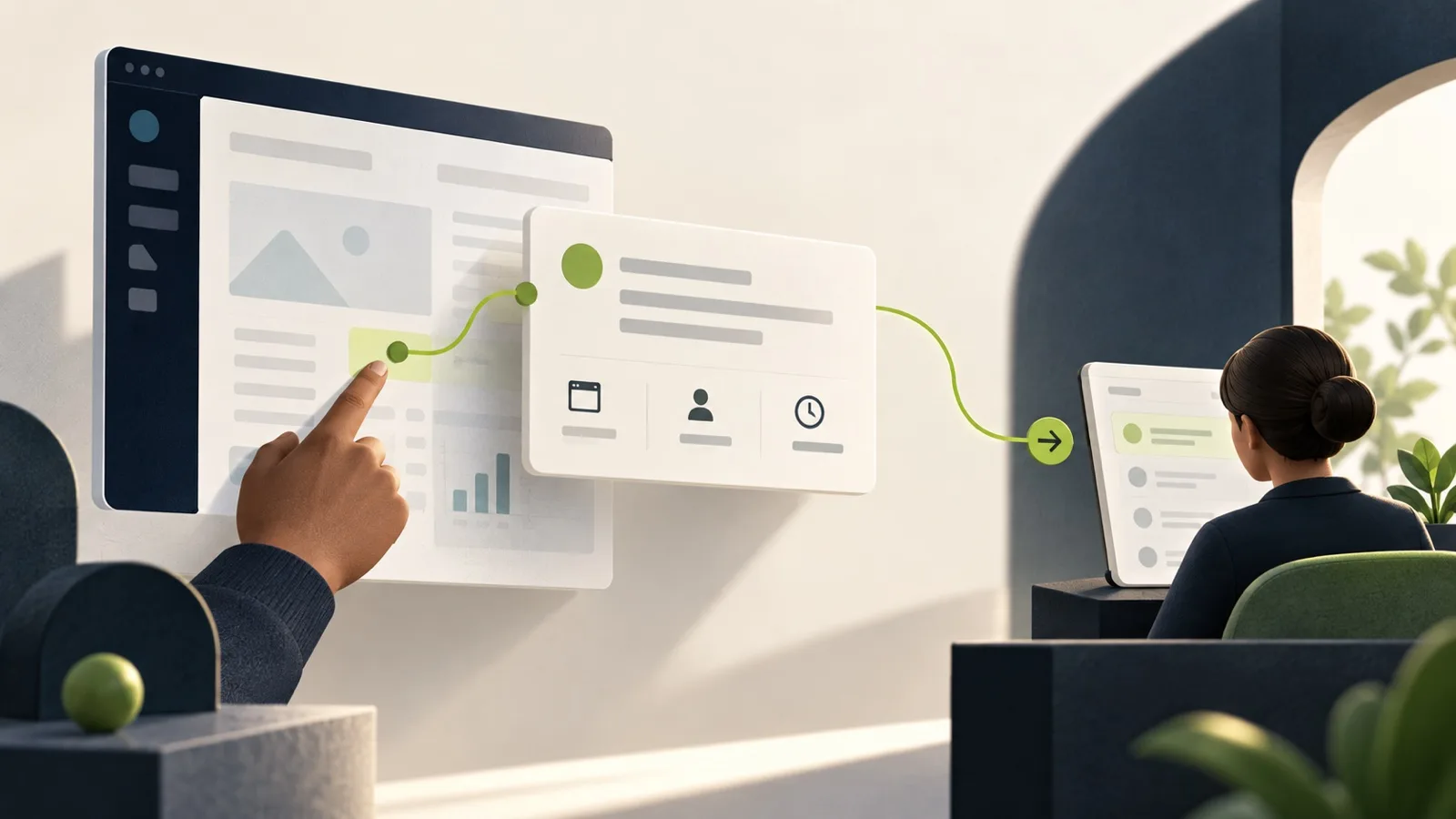
Collecting user feedback does not begin with choosing a survey. It begins with deciding what your team needs to understand a report, who can access it, and what will happen after submission.
For a SaaS product, the most useful approach usually combines an in-app channel, minimal and trustworthy context, accountable triage, and follow-up when a change ships. Without that workflow, a form merely moves messages into another queue.
What in-app feedback actually means
In-app feedback is a report submitted while someone is using the product. It may be a suggestion, problem, question, or observation about a feature. The advantage is not just visual proximity. It is preserving enough context for the team to act without asking the user to reconstruct everything by email.
A sound workflow answers four questions:
- What was the user trying to communicate?
- Where and in which environment did it happen?
- Is the identity anonymous, self-declared, or verified?
- Who will review the signal and decide what happens next?
Ask at the right moment
Not every feedback request needs a pop-up. Interrupting a critical task can produce feedback about the interruption rather than the product.
Use an always-available feedback button for spontaneous reports. Ask a contextual question after a completed task when you have a specific hypothesis. Use an interview to explore motivations. Use a survey when the same questions need to be compared across a sample.
The channel should match the decision. “What do you think?” rarely produces the same value as “What stopped you from completing this step?”
Collect context, not surveillance
Context can reduce follow-up, but collecting more data does not automatically create better understanding.
For many reports, the message, type, project, environment, timestamp, widget version, and a sanitized page reference are enough. If identity matters, distinguish:
- an anonymous user with no contact information;
- an unverified contact typed by the user;
- a verified session confirmed by the host application's backend.
A value from the browser should not become trusted merely because it looks like an ID. Tenancy and authorization must be resolved on the server.
Sinalio is not designed to automatically capture the page DOM, keystrokes, session replays, screenshots, browser cookies, local storage, console logs, or network traffic. That boundary reduces surprise and keeps the widget's purpose clear.
A seven-step feedback process
1. Define the outcome
Choose one operational goal: reduce reports without context, centralize scattered suggestions, or understand problems in a product step. Do not expect one field to measure satisfaction, prioritize the roadmap, and provide support.
2. Start in Test
Install the widget in a non-production environment. Check mobile behavior, keyboard access, focus, contrast, Content Security Policy, loading, and safe failure. Confirm that it does not break or restyle the host application.
3. Submit realistic reports
Test a suggestion, a problem, and an intentionally vague message. Include anonymous, self-declared, and verified identity scenarios. Then inspect exactly what arrived — and what did not.
4. Assign triage and ownership
Every signal needs an explicit destination. In Sinalio, feedback can remain new, move to planned or watching, or be closed. The labels matter less than the discipline: someone decides the next step without treating receipt as a promise.
5. Preserve the original evidence
Summaries, tags, and AI can help organize, but the original message should remain available. A synthesis without sources can erase caveats, merge different users, or exaggerate a theme.
6. Connect the decision to the work
Product evaluates the problem, engineering investigates the implementation, and support preserves the customer relationship. An authorized agent can help find signals and prepare a draft, but feedback remains untrusted input and can never expand permissions.
7. Close the loop
When an improvement is truly available, publish a clear update: what changed, who it helps, and what the user can do now. Closing the loop does not require an individual reply to every report. It requires preserving the relationship between signal, decision, and communication.

What each team should watch
Founders
Choose a workflow small enough to operate. A broad suite does not help if nobody reviews the inbox. The first useful metric is not feedback volume; it is how many signals received a responsible decision.
Product
Separate the problem from the proposed solution. “Add PDF export” may conceal a need to share a result with someone who has no account. Count requests, but also record frequency, impact, segment, and strategic fit.
Support and Customer Success
Define when a report becomes a ticket, product feedback, or both. A widget should not promise real-time support when no SLA exists. Preserve a return channel when the user volunteers one.
Engineering
Validate isolation, payloads, limits, idempotency, origin, CSP, and behavior when the API is unavailable. Never place a server secret in a public snippet.
Common feedback collection mistakes
- asking for feedback without explaining what happens next;
- collecting personal data by default “in case it helps”;
- treating typed contact information as verified identity;
- using votes as an automatic roadmap decision;
- measuring message volume as success;
- installing directly in Production;
- leaving feedback in a spreadsheet or chat without an owner;
- announcing a feature before it is actually available;
- using AI summaries without keeping sources and human review.
Form, dedicated tool, or an internal build?
A form is enough when volume is low and one person can preserve context and follow up. An internal build can make sense when the workflow is narrow, strategic, and the team accepts ongoing responsibility for security, accessibility, storage, export, and privacy.
A dedicated feedback tool becomes useful when context, identity, environments, triage, and product communication need to work repeatedly. Larger suites such as Canny cover multiple sources, boards, voting, roadmaps, and integrations; smaller products may fit teams that need a tighter workflow. Canny's official collection page illustrates how the category has expanded from direct submissions to conversations, CRM, reviews, and automated analysis.
Compare the complete workflow, not only the subscription. Read our tool and pricing comparison.
How Sinalio organizes the workflow
Sinalio combines a product updates and feedback widget, separate Test and Production environments, sanitized context, and project-level triage. Authorized operators can work on the web or through an MCP client that follows the same permissions and confirmation rules.
It is designed for small SaaS teams. It does not replace a help desk, advanced survey platform, session replay, or an enterprise product management suite. See the current offer.
Frequently asked questions
What is the best way to collect user feedback?
The best method matches the intended decision. Use in-app feedback for contextual reports, interviews for depth, surveys for comparison, and support for service conversations. Keep ownership and the next step clear.
Is anonymous feedback useful?
Yes, when lowering friction matters more than individual follow-up. A self-declared contact or verified identity can be more useful for investigation and response. Explain the choice and minimize data.
How often should I ask for feedback?
A passive button can remain available. Active prompts should follow a relevant event, have a frequency limit, and never repeatedly interrupt the same user.
How do I know the process works?
Measure reviewed signals, time to decision, reports that required more context, changes communicated, and product first value. Raw message count may represent adoption or noise.
Start with one verifiable report
The first test does not need a complex dashboard. Install in Test, submit a realistic report, inspect context and identity, make a decision, and publish an update only after validating the delivery.